






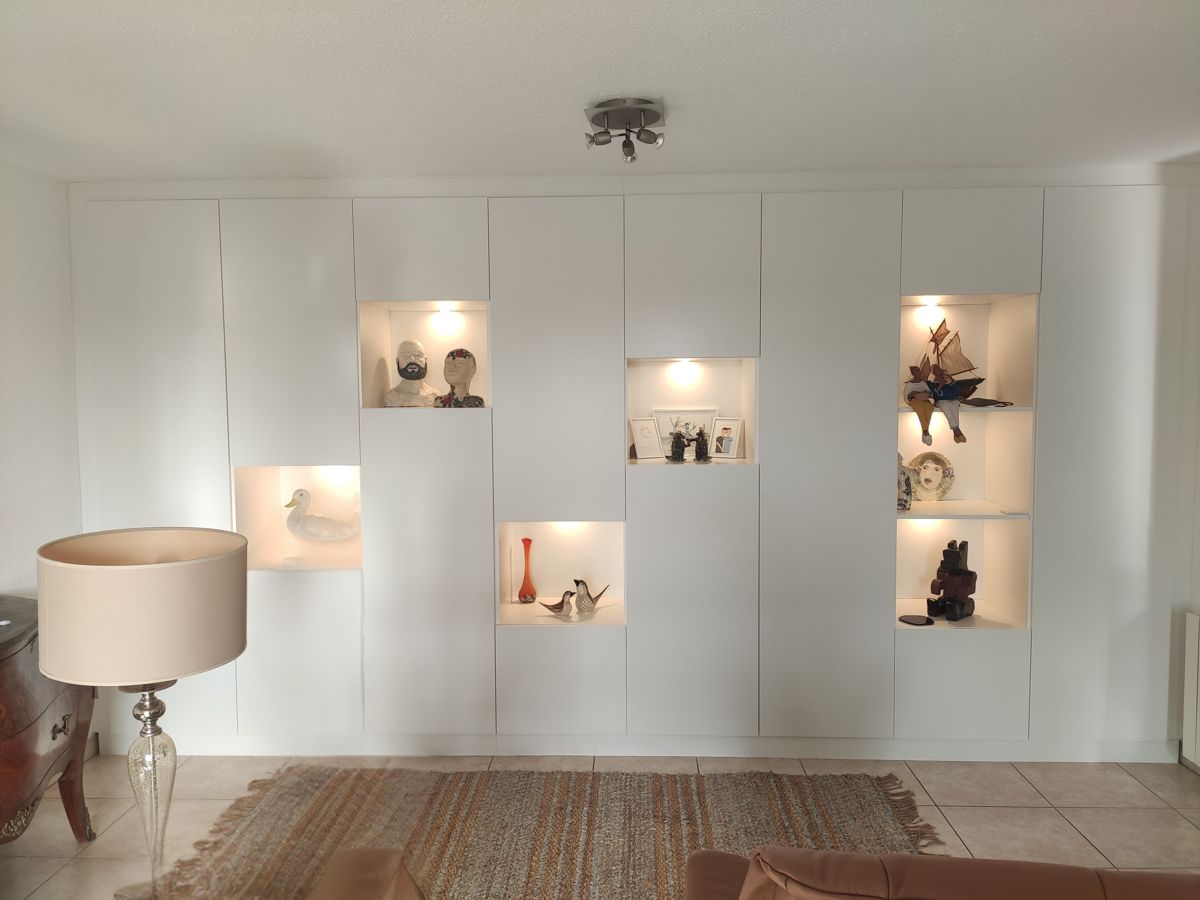
Article : How to Add Fillers to My Custom Furniture for a Flawless Finish?
When designing custom furniture to be fitted between multiple walls, we recommend adding fillers.
Read more

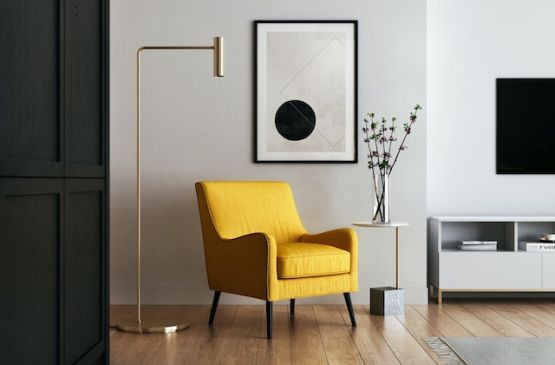
Give free rein to your inspiration. Use our online configurator to design your custom furniture, starting from a neutral model.
When designing custom furniture to be fitted between multiple walls, we recommend adding fillers.
What is a filler?
A filler is a panel added to the sides, top, or around custom furniture. It allows you to precisely adjust the width, height, or depth of the piece to compensate for wall irregularities.
It’s an essential element for achieving a perfectly integrated piece of furniture, especially for built-in projects.
First, place your furniture in our assembly configurator.
If you haven’t done so yet:
- Go to our assembly configurator then to "My Account Furniture",
- Click on "Add a project" from your profile, then select your desired project
Once your furniture is loaded in the configurator, simply add individual panels around your furniture to create your fillers.
Click on "Add an element" then choose "a panel".
Set its size and finish, then attach the panel directly to your furniture to obtain your filler.
- Maximum panel length: 2.30 m
For manufacturing and shipping reasons, our panels cannot exceed 2.30 meters in length. If your furniture is longer or taller, your fillers will need to be divided into several parts.
- Minimum filler height: 80 mm
⚠️ Therefore, you will need to adjust your furniture height accordingly.
Fillers are attached to your furniture using catches.
This type of fixing is the most convenient method, allowing you to easily clip and unclip your fillers during assembly.
Once your project is completed, contact our customer service who will attach your fillers to your furniture in our 3D configurator.
Our team is available to support you with the design and installation of your fillers. You can reach us by email at [email protected] or by phone at 03 65 96 01 16.