






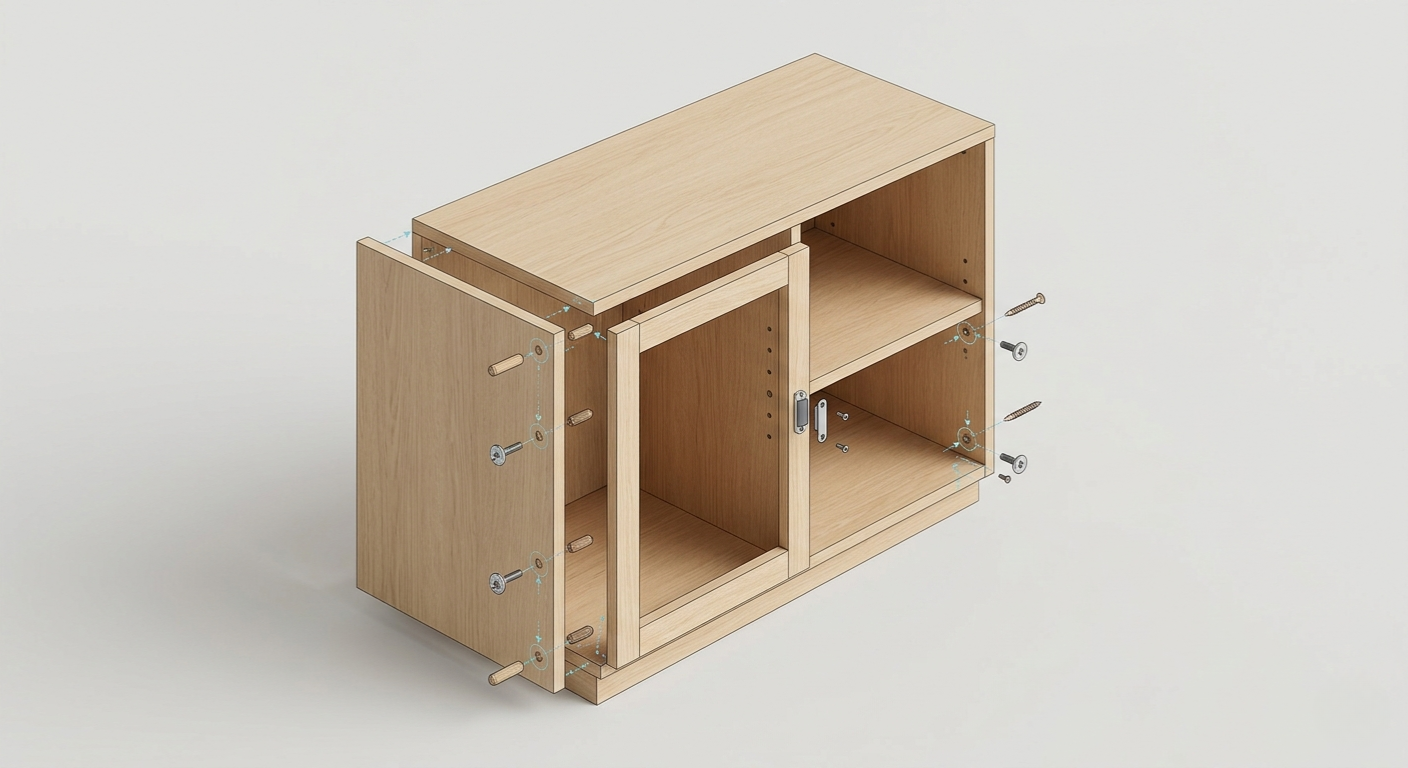
Article : Master editing fixings between furniture and panels in our configurator
What if you could manage every fixing in your project? The “Edit fixings” mode unlocks all advanced options.
Read more
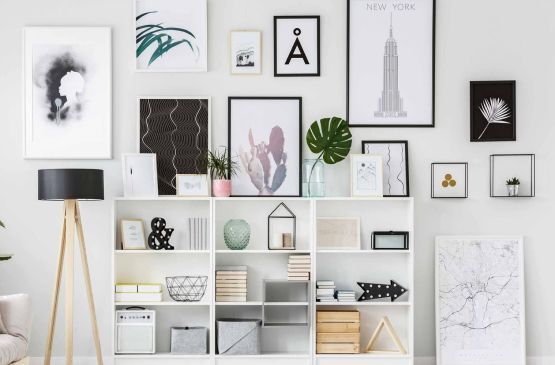
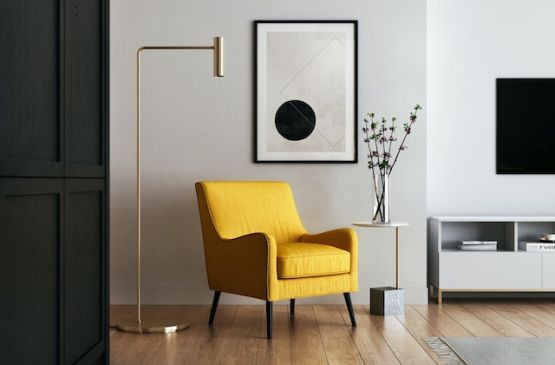
Give free rein to your inspiration. Use our online configurator to design your custom furniture, starting from a neutral model.
What if you could manage every fixing in your project? The “Edit fixings” mode unlocks all advanced options.
You can enable the Beta Test program to get early access to new features of our configurator via https://dessinetonmeuble.fr/account.
You can then take advantage of the new fixings editor to manage and configure fixings between your furniture and panels.
Here are all the options available for advanced users.
Select the type of fixing you need based on your requirements:
- Dowel pins and cam locks, or wood dowels only
- Wood screws, Konfirmat screws, connector screws or poêlier screws with brass insert (also called M4 screw with recessed nut)
- Magnet, Keku clip or catches
- Plastic brackets, Rafix or metal plate
- Or choose to use no fixing at all.
Set the number of fixings for the chosen fixing type. This lets you add or remove fixing points according to your assembly requirements.
Define the space between the fixings and the edges of the board.
This option allows you to offset fixings and make them invisible in specific areas, for example connector screws in an open niche. It also lets you offset fixings to work around constraints.
Depending on the positioning of the boards and furniture, you can choose the face of the board on which fixings such as cam locks or Rafix connectors will be placed.
This choice lets you orient fixings on the less visible side, for example behind a door or inside the unit, to improve the overall aesthetics of the furniture.
Some fixings can be oriented in two different directions, for example magnets. Thanks to the "mechanism direction" option, you can easily reverse the magnet's orientation and choose on which board to place the magnet on one side and the metal plate on the other.
For specific needs, you can combine several types of fixings between two boards. For example, you can add brackets to cam locks to reinforce the assembly.